


Table booking
Guests book online, and every booking lands in one list.
First 10 guests free, once. Then 9,000 VND per guest who comes.
No setup fee · Prices exclude VAT
See how table booking worksGuests book on Google, Zalo, Facebook and your own link, and every booking lands in one list.

 Savyu
New Reservation Automatically Confirmed
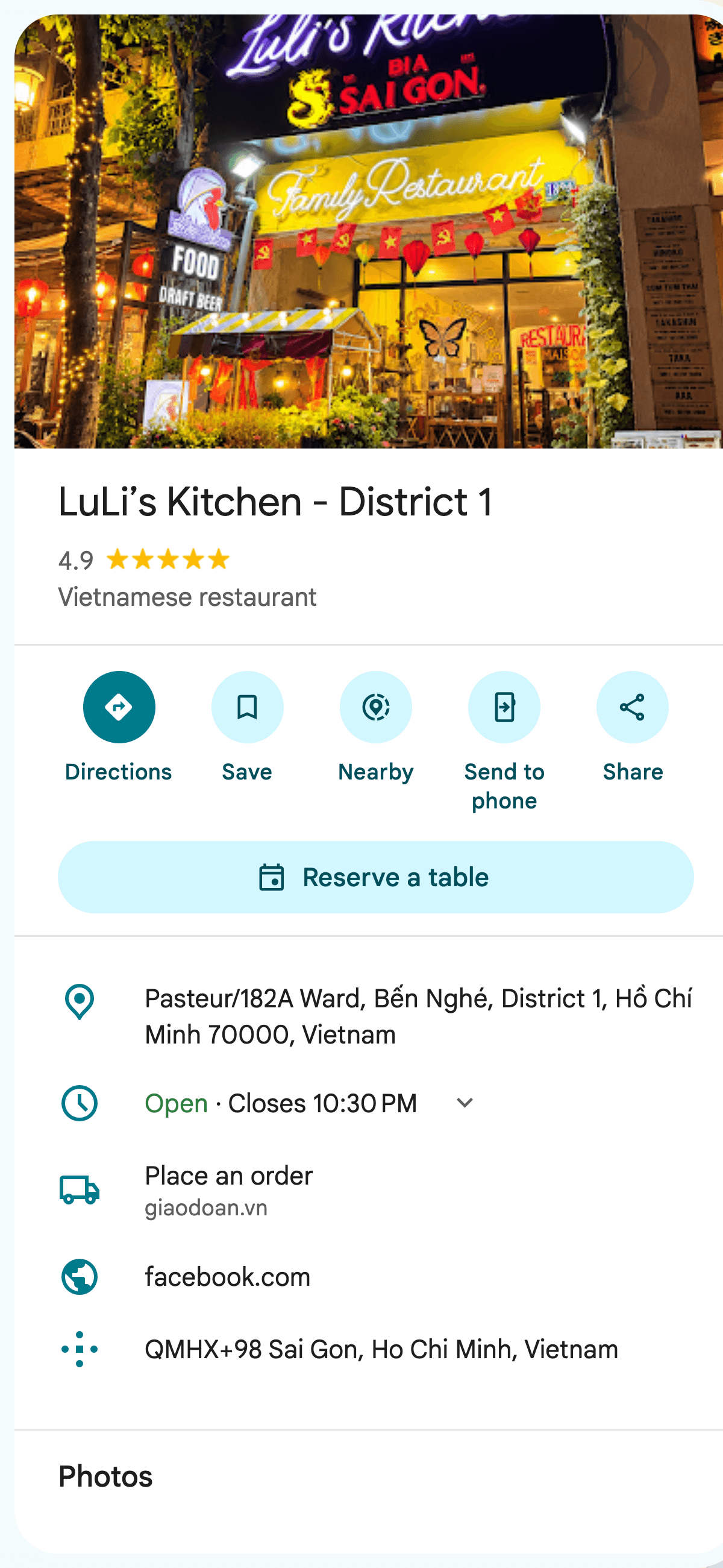
A new reservation at LuLi’s Kitchen has been automatically confirmed. The reservation details are as follows:
Please arrange and prepare to welcome the guests according to the scheduled time.
Every booking lands in one list. Around it, five services help new guests find you and bring your regulars back.
Guests book online, and every booking lands in one list.
First 10 guests free, once. Then 9,000 VND per guest who comes.
No setup fee · Prices exclude VAT
See how table booking worksHere is how a booking goes, from the guest’s phone to your team’s list, Zalo and the guest’s inbox.
Right on Google Maps or Google Search. No app to install.
They choose how many people, the day and a free time.
Tonight’s list gets a new line, marked as coming from Google.
A message from the Savyu Việt Nam Zalo OA. It goes to the restaurant team only.
A confirmation email, and Google bookings also go into their Google Calendar.
When the guests come, your host opens the booking in the Savyu app and taps “The Guests Have Arrived” (“Đã vào chỗ” in the Vietnamese app). If they don’t come, tap “Not Coming”.
Optional for big groups or busy nights, you can ask for a deposit when the guest books. You choose which bookings need one. See how deposits work
Your team opens the Savyu app, or TableManager on a computer, and sees tonight’s bookings in one list: the time, how many guests, where each booking came from and its status. Open a booking to see the details, and mark the guests as arrived when they come.
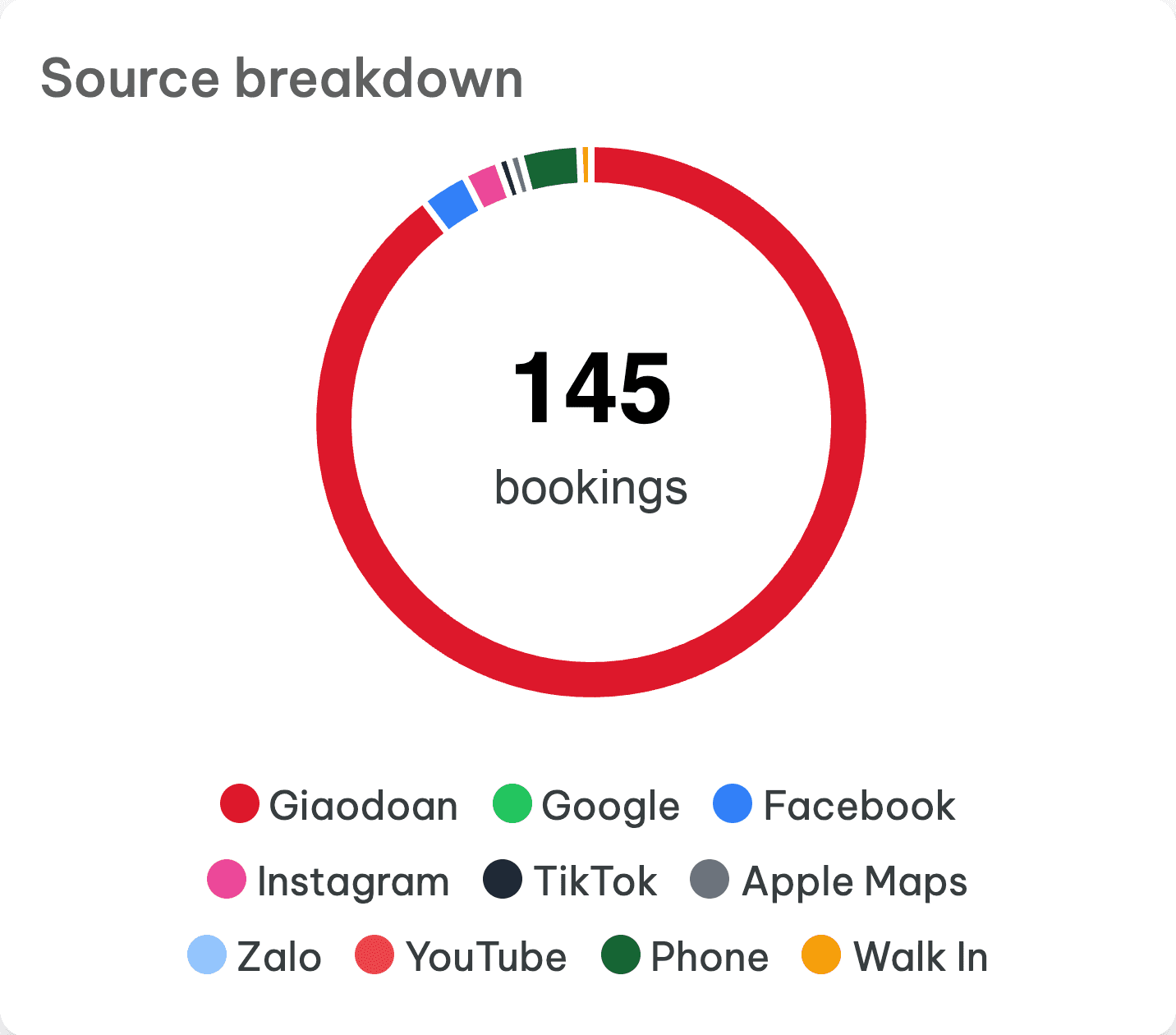
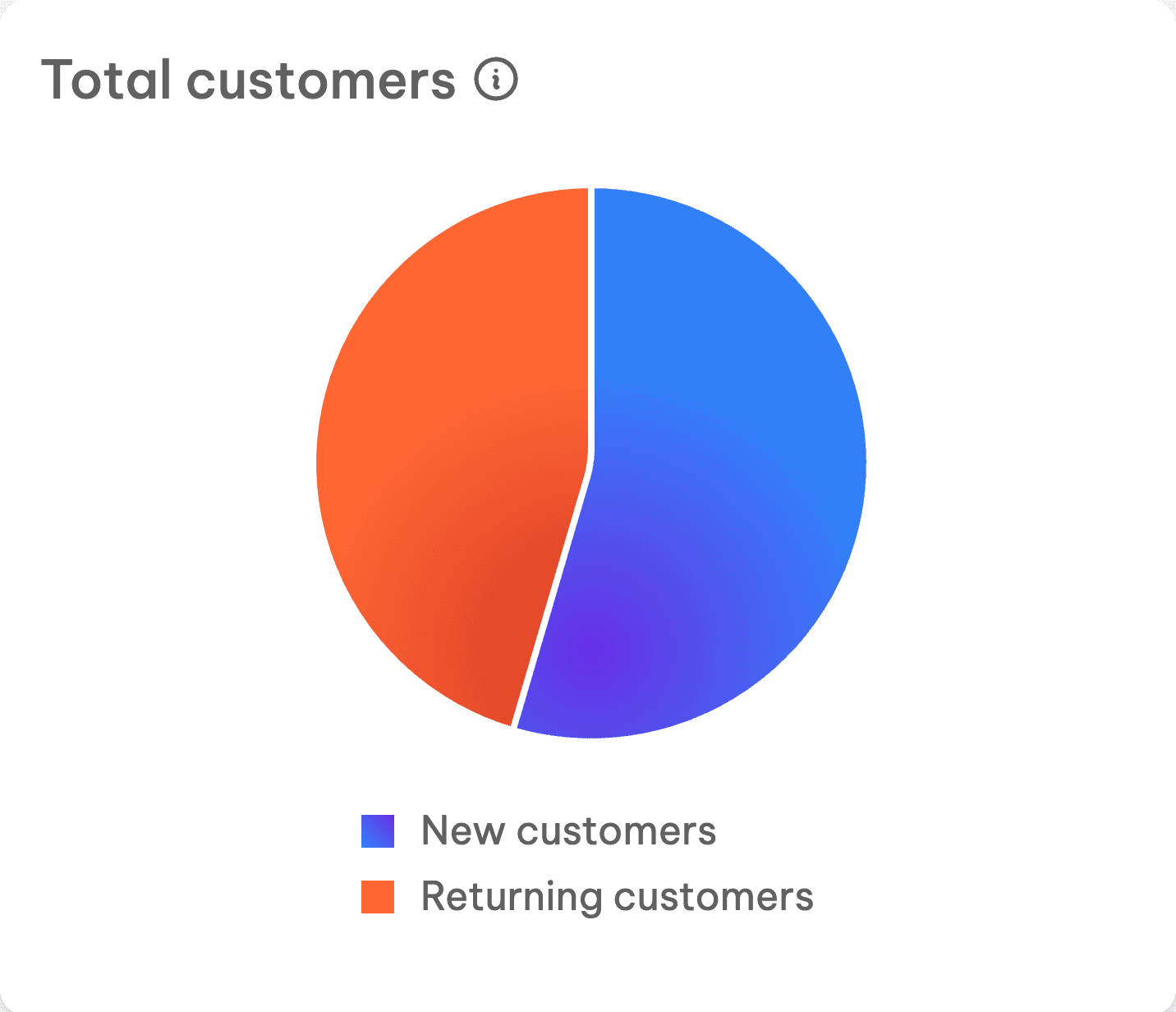
See what table management doesThe Savyu booking dashboard shows where each booking came from (Google, Facebook, Instagram, Zalo, Apple Maps, phone, walk-in and more), your busiest hours, the group size guests book most, and new versus returning guests.
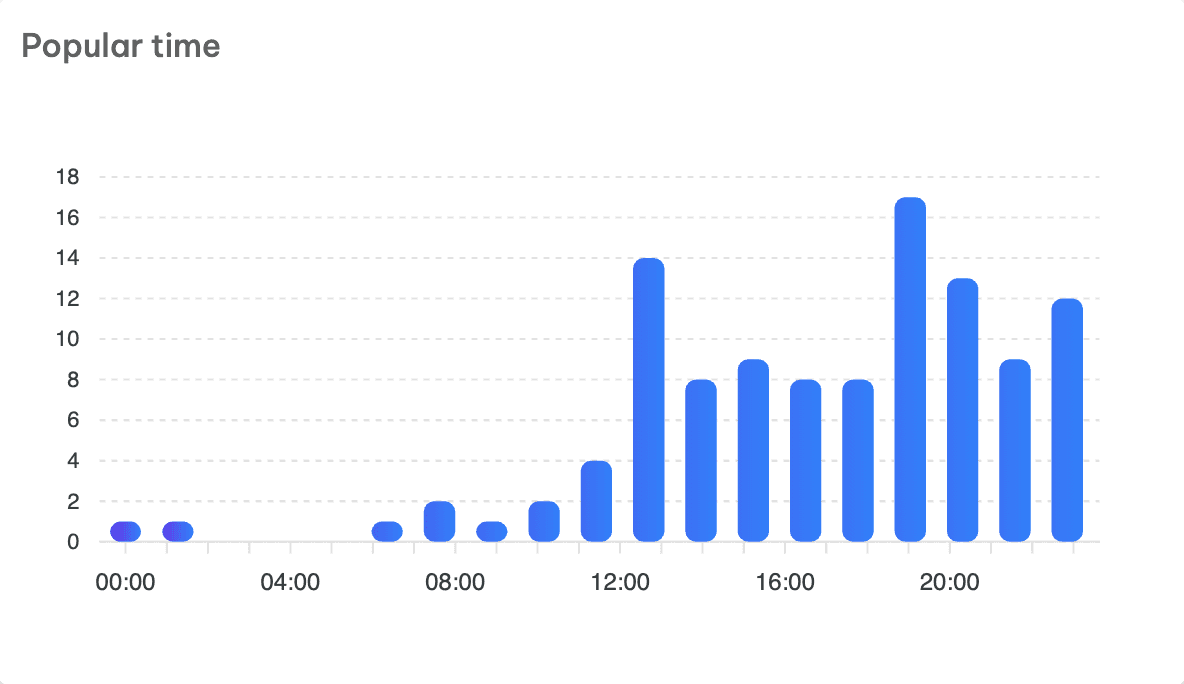
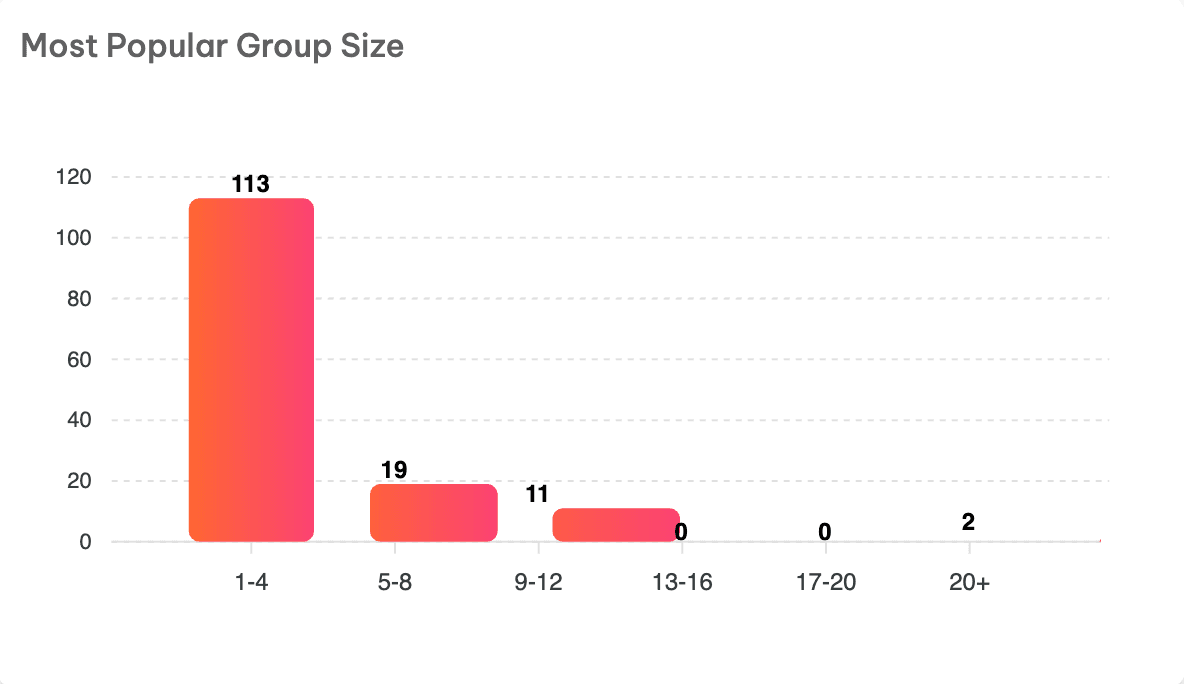
Savyu is a Reserve with Google partner, so guests can book from a button on your Google listing.
1,600+ merchants use Savyu
A few of the restaurants taking bookings with Savyu now. Tap a logo to see the place on Google Maps.
 on Google Maps (opens in a new tab)
 on Google Maps (opens in a new tab)
 on Google Maps (opens in a new tab)
 on Google Maps (opens in a new tab)
 on Google Maps (opens in a new tab)
 on Google Maps (opens in a new tab)
 on Google Maps (opens in a new tab)
 on Google Maps (opens in a new tab)
 on Google Maps (opens in a new tab)
 on Google Maps (opens in a new tab)
 on Google Maps (opens in a new tab)
 on Google Maps (opens in a new tab)
 on Google Maps (opens in a new tab)
 on Google Maps (opens in a new tab)
From a phở shop with twelve tables to a hotel with three restaurants, booking works the same way.
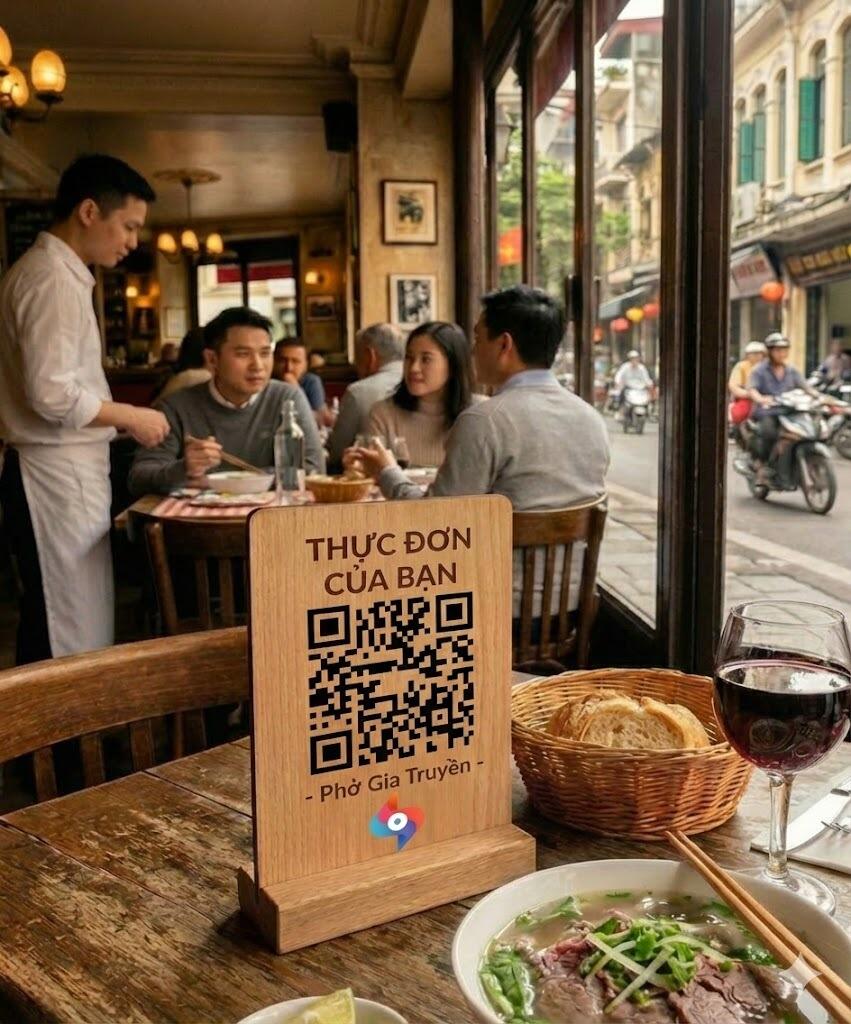
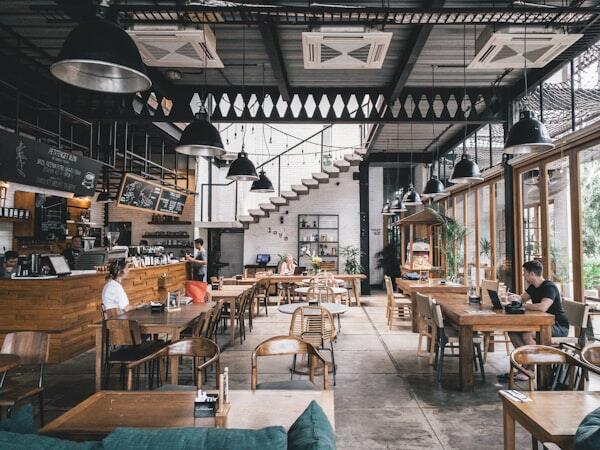
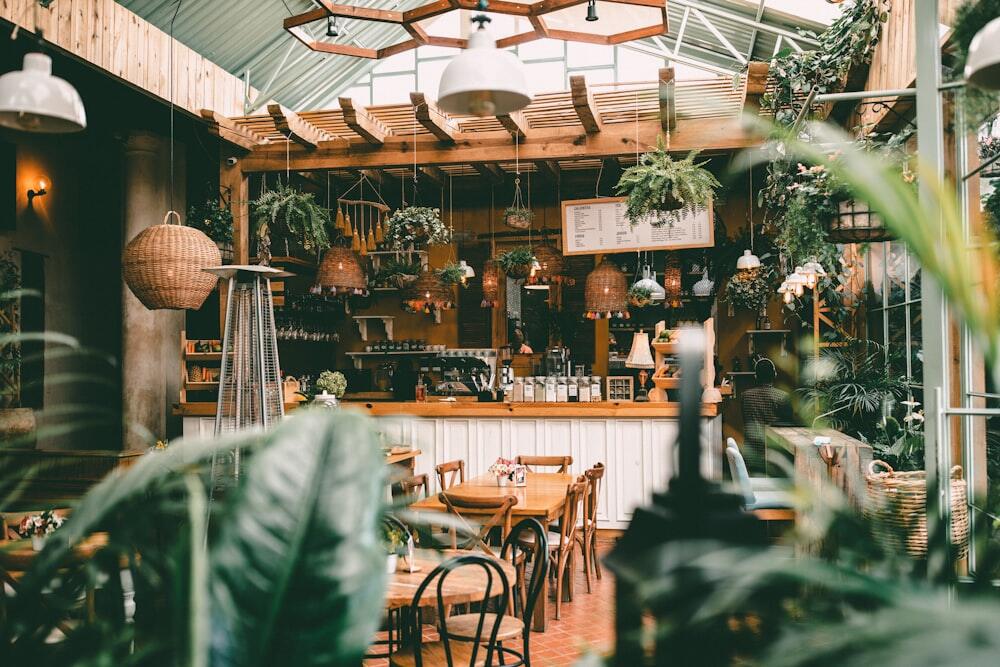

You pay for each guest who comes, meaning a guest your team marks as seated. Guests who don't come cost you nothing.
Prices exclude VAT. Cancel any time.
Start freeStill deciding? Call 028 3622 3580 or chat on Zalo.
Deposits are optional. You choose which bookings need one, for example big groups or weekend dinners. When you ask for one, the guest pays by VietQR while booking, the money goes to your account, and the booking shows "Deposit paid" in your booking list.
Every new booking reaches your team at once on Zalo, from the Savyu Việt Nam account. It also shows in the Savyu app and arrives by email, so staff never miss one. Guests get a confirmation email, and bookings from Google also appear in their Google Calendar. When guests arrive, your host taps "The Guests Have Arrived". If they don't come, tap "Not Coming", which unlocks a little after the booking time.
Yes. With Reserve with Google, guests book straight from your Google listing. Those bookings land in the same list as Zalo, Facebook, Instagram and your own booking link. Guests don't need to install an app.
Table booking is priced per guest: your first 10 guests are free, once, then 9,000 VND per guest who comes. The other five services (Instagram & Facebook booking, SEO & AI search, Google reviews, Newsletter & Zalo OA, and QR ordering & pick-up) each have their own price, which we're still finalising. Ask us and we'll tell you before you start. See every service. To confirm
Yes, you can cancel any time. There is no setup fee, and prices exclude VAT.
Paste your Google Maps link or type your restaurant's name, then tap Start free. If you'd rather talk first, call 028 3622 3580 or chat on Zalo.
Start free with your Google Maps link, or call us first. Your first 10 guests are free, once.