

Guests book online, and every booking lands in one list.
Bookings from Google, Zalo, Facebook, Instagram and your own link all go to the same place. Your team stops copying names out of chats.
First 10 guests free, once. Then 9,000 VND per guest who comes. No setup fee. Prices exclude VAT.


Restaurants already take their bookings through Savyu
Savyu is a Reserve with Google partner, so guests can book from a button on your Google listing.
1,600+ merchants use Savyu
Guests book from everywhere. You see one list.
Guests book on Google, Instagram, Facebook, Zalo, your own website or a QR code. Your staff add phone calls and walk-ins. Every booking lands in the same Savyu list.
-
Google sends the first bookings
Guests find you on Google Search or Maps and book right there. Savyu is a Reserve with Google partner, so each booking drops straight into your list.
-
The guest taps Reserve a table
Right on Google Maps or Google Search. No app to install.
-
They pick a free time
They choose how many people, the day and a free time.
-
It lands in your list
Tonight’s list gets a new line, marked as coming from Google.
-
Your team gets a Zalo alert
A message from the Savyu Việt Nam Zalo OA. It goes to the restaurant team only.
-
The guest gets a confirmation
A confirmation email, and Google bookings also go into their Google Calendar.
-
Then Zalo, Instagram and Facebook
Regulars book on Zalo. Others tap Book on your Instagram, your Facebook page or your own link. It all goes to the same list.
Your team adds calls and walk-ins
When the phone rings or someone walks in, your host types it in. Now the whole evening is on one screen.
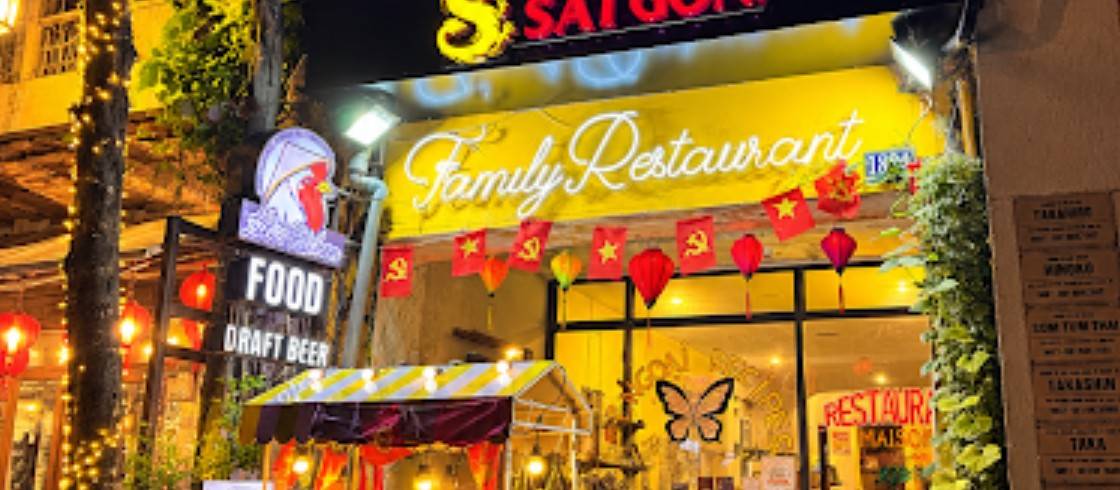
Your turn: send the next bookingAll the places guests can book you
Tap a channel to send a test booking. It lands in the list.
Where guests find you
- GoogleGuests book from Google Search and Maps. Savyu is a Reserve with Google partner.
- InstagramGuests book from your Instagram profile.
- FacebookGuests book from your Facebook page.
- ZaloRegulars book in the app they already chat in.
Your own pages and QR code
- Your website or linkA Book button on your website, or your own booking link for your menu, flyers and messages.
- QR codeOn the table or at the door. Guests scan it and book.
Added by your staff
- Phone callYour staff type the booking in while the guest is on the line.
- Walk-inYour host adds guests who turn up without a booking.
What's this?
One Savyu booking list
Latest first- Đông · 4 guests
 Google
- Yến · 2 guestsZalo
- Toàn · 3 guestsGoogle
Guests don't install an app, and your team works from one screen.
See every booking, and seat every guest
The Savyu app and TableManager are what your team works from during service. See every booking in one list, open any booking for the details, and give the guests a table when they arrive.
- One list. Every booking with its time, number of guests, status and where it came from.
- Open a booking to see the guest, phone number, where they booked from and your notes.
- Give the guests a table. Choose the zone and table for each booking.
- When guests arrive, tap “The Guests Have Arrived”. If they do not turn up, tap “Not Coming”.
A deposit only when you want one
Ask for a deposit on the bookings that matter: weekend dinners, big groups, set menus. Everything else books without one.
- You choose which bookings ask for a deposit.
- Guests pay by VietQR as they book. The money goes to your own account.
- The booking shows “Deposit paid”.
Most bookings need no deposit. The screens below show a booking where the restaurant asked for one.
Main dining area
An open-plan space for friends, families and groups. See more
Some times may ask for a deposit
CANCELLATION POLICY
If you cancel or change the booking:
Welcome to our restaurant. To make sure you have a good evening, please arrive on time and tell us if your plans change.
BOOKING INFORMATION
2 people
Sat, 14 Nov 2026 | 6:30 PM
Main dining area
Deposit for this time40,000₫
Deposit (2 people)20,000₫/person
Total deposit40,000₫
If you cancel
Early (before 5:30 PM, 14 Nov)Refunded
Late (after 5:30 PM, 14 Nov)Not refunded
No-showNot refunded
Guests2
AreaMain dining area
DEPOSIT PAID
40,000₫ at 2:18 PM, 12 Nov 2026
The deposit holds your table. The restaurant sets its own deposit and refund rules.
MAIN CONTACT
Nguyễn Thu Hà0900 000 000
Your team knows about every booking right away
Each new booking reaches your team at once, on Zalo, in the Savyu app and by email. The guest gets a confirmation email.
 Savyu
New Reservation Automatically Confirmed
A new reservation at LuLi’s Kitchen has been automatically confirmed. The reservation details are as follows:
- Customer Name
- Nguyễn Thu Hà
- Phone Number
- 0900 000 000
- [email protected]
- Date & Time
- 18:30 12/11/2026
- Number of Guests
- 4 guest(s)
- Notes
- Window table if possible
Please arrange and prepare to welcome the guests according to the scheduled time.
New table booking at LuLi’s Kitchen
Savyu 15:36to the restaurant
SavyuHello,
We would like to inform you that you have just received a new table reservation request for 6:30 PM on November 12, 2026, at LuLi’s Kitchen. This reservation has been automatically confirmed by the system.
Information:
- Name: Nguyễn Thu Hà
- Phone: 0900 000 000
- Email: [email protected]
- Date: 18:30 12/11/2026
- Number: 4
- Note: Window table if possible
- Source: Savyu
Extra note:
- Please prepare the table on time and ensure a comfortable dining environment for the number of guests specified in the reservation.
- Zalo, the Savyu app and email, so no booking slips past your team.
- The guest gets a confirmation email. A Google booking also goes into their Google Calendar.
- On the day, staff mark each booking Arrived or Not coming.
Walk-ins join the line from their phone
Put a QR code at the door. Walk-ins scan it to join the waitlist, and your team sees who is next. Nobody has to crowd the entrance.
How walk-ins are told their table is ready is a draft we’ll confirm with you. To confirm
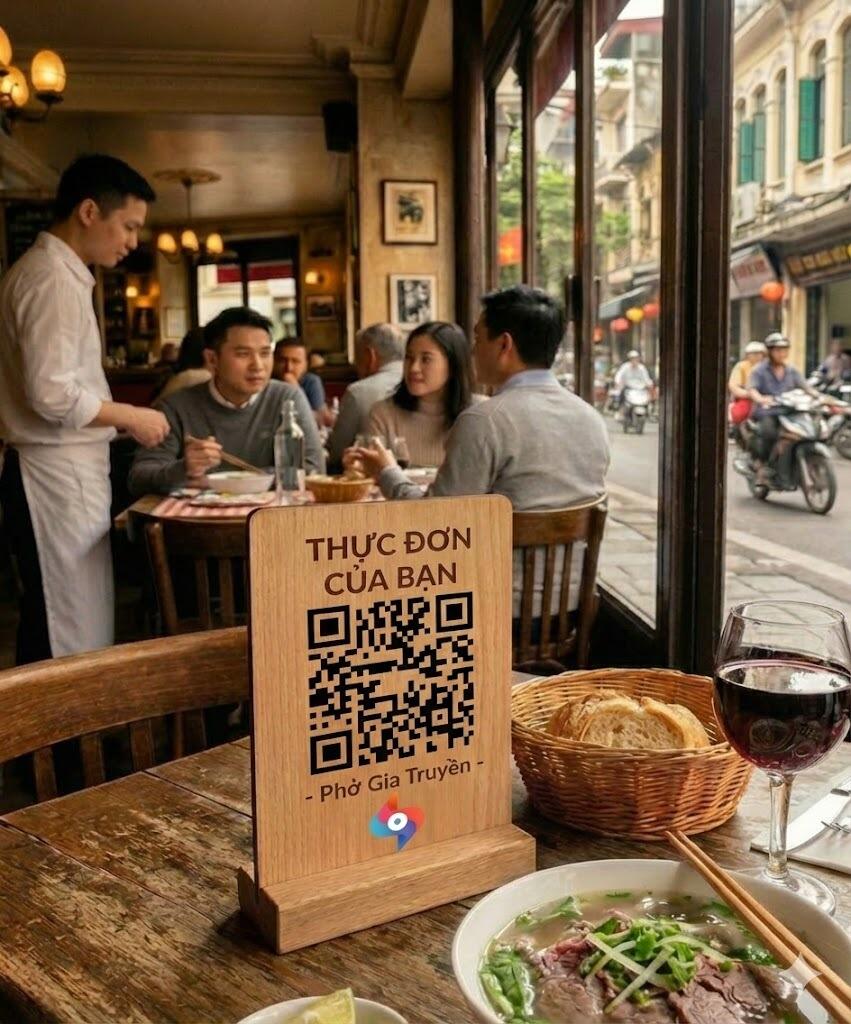
Know your guests before they sit down
Every booking adds to the guest’s profile. When they come back, your team already knows them.
- Visits. See how often each guest has been in.
- Birthdays. Spot a birthday on the day, and plan a small surprise.
- Allergies. Keep allergies on the profile, where your team sees them at the table.
- Favourite table. Seat regulars where they like to sit.
- VIP. Tag the guests you want to greet by name.
Sell set menus and event seats
Put a set menu or an event on your booking page, set a price per guest, and ask for a deposit if you want one. Guests book a seat the same way they book a table.
- One price per guest, for a festival menu or a tasting night.
- The deposit is optional, and paid by VietQR when you ask for it.
- Event bookings sit in the same list as your table bookings.
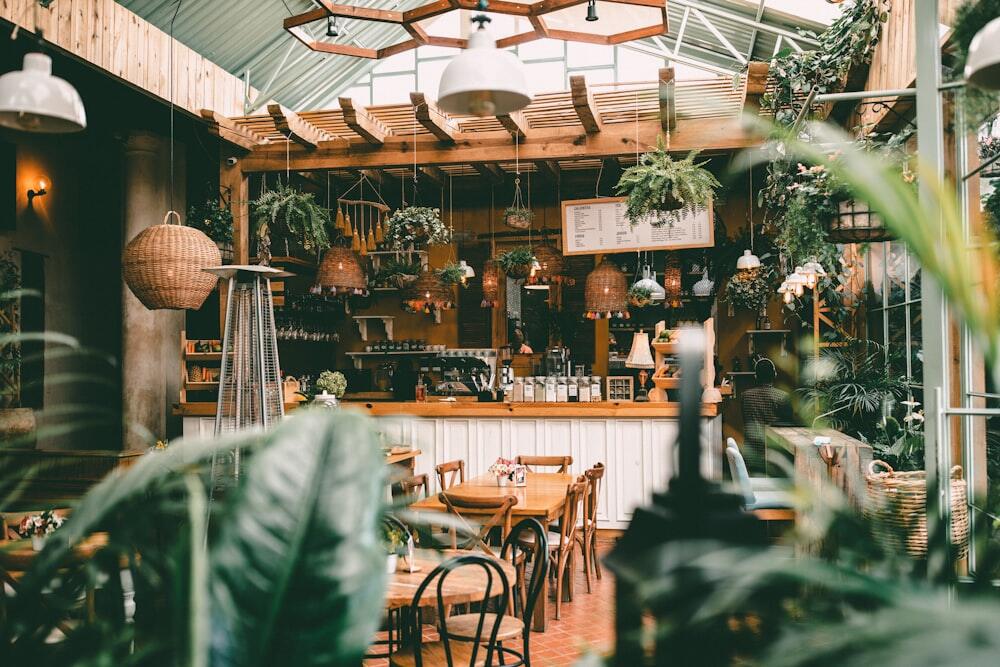
Every branch in one account
Switch from one branch to the next without logging out. Each branch keeps its own booking list.
- Switch branches in one account, without logging out.
- Each branch keeps its own booking list.
Questions about booking
Still deciding? Call 028 3622 3580 or chat on Zalo.
Do my guests need to install an app?
No. Guests book on Google, Zalo, Facebook, Instagram or your own booking link. If you ask for a deposit, they pay it by VietQR from their banking app. There is nothing to install.
What does Savyu cost?
Your first 10 guests are free, once. After that it is 9,000 VND per guest who comes, meaning a guest your team marks as seated. There are no monthly plans and no setup fee, prices exclude VAT, and you can cancel any time.
Where does the deposit money go?
To your own account. When you ask for a deposit, the guest pays it by VietQR while booking, and the booking shows “Deposit paid”.
Do I need new equipment?
No new hardware. Savyu runs on the phone, tablet or computer you already have. To confirm
Can I set my own booking rules?
Yes: opening hours, dates you close for private events, the most guests per table, and a gap between bookings. To confirm
More from Savyu, around your bookings
- Instagram & Facebook bookingGuests book from your Instagram and Facebook.
- SEO & AI searchHelp guests find you on Google and in AI answers.
- Google reviewsInvite every guest who came to review you on Google.
- Newsletter & Zalo OASend past guests offers and news by Zalo OA and email.
- QR ordering & pick-upGuests order from a QR code at the table, or ahead for pick-up.
Put every booking in one list
Start free with your Google Maps link, or talk it through with us first. Your first 10 guests are free, once.