

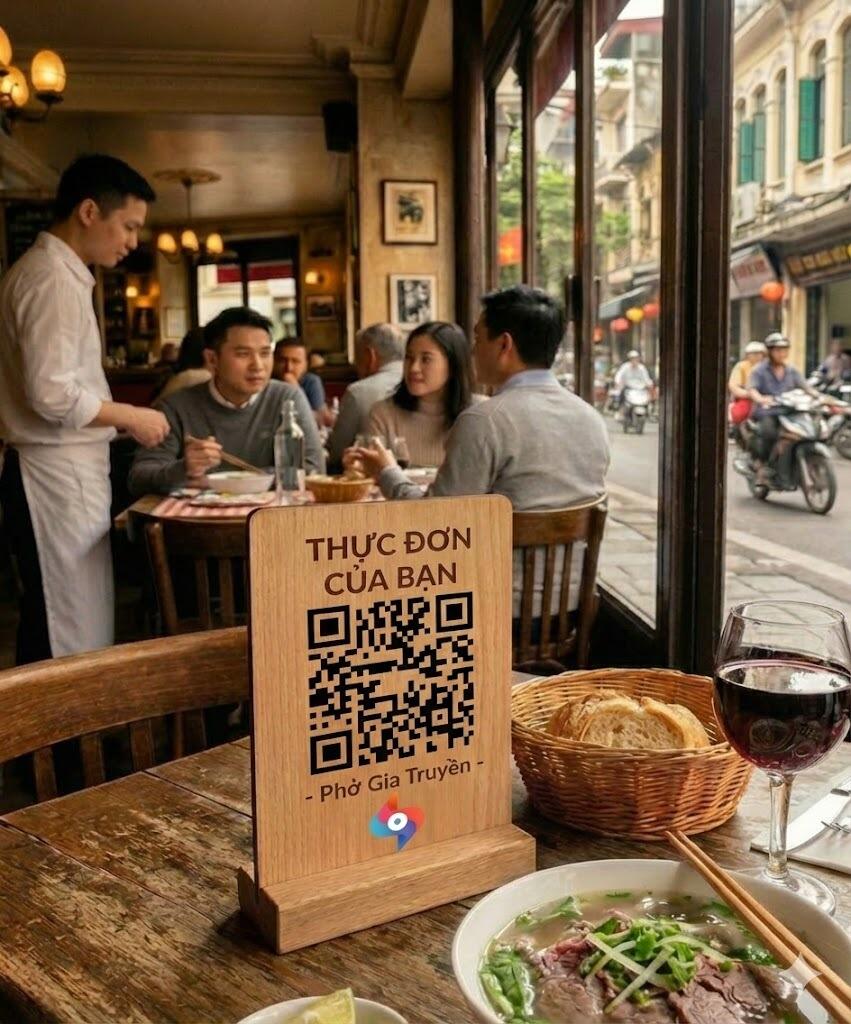
Guests order from their phone at the table.
Guests scan the QR code on the table, see the menu and order. Orders go straight to your kitchen, and regulars can order ahead and pick up at the counter. To confirm
Price to confirm Ask us and we’ll tell you before you start. (Table booking is priced on its own: first 10 guests free, once, then 9,000 VND per guest who comes. No setup fee. Prices exclude VAT.)
- 1×Phở bò tái
- 2×Trà đá
From the table to the kitchen
Follow one order from the table to the kitchen.
-
A guest scans the code on the table
Every table has its own code. The guest opens their phone camera and points it at the stand. No app to install.
-
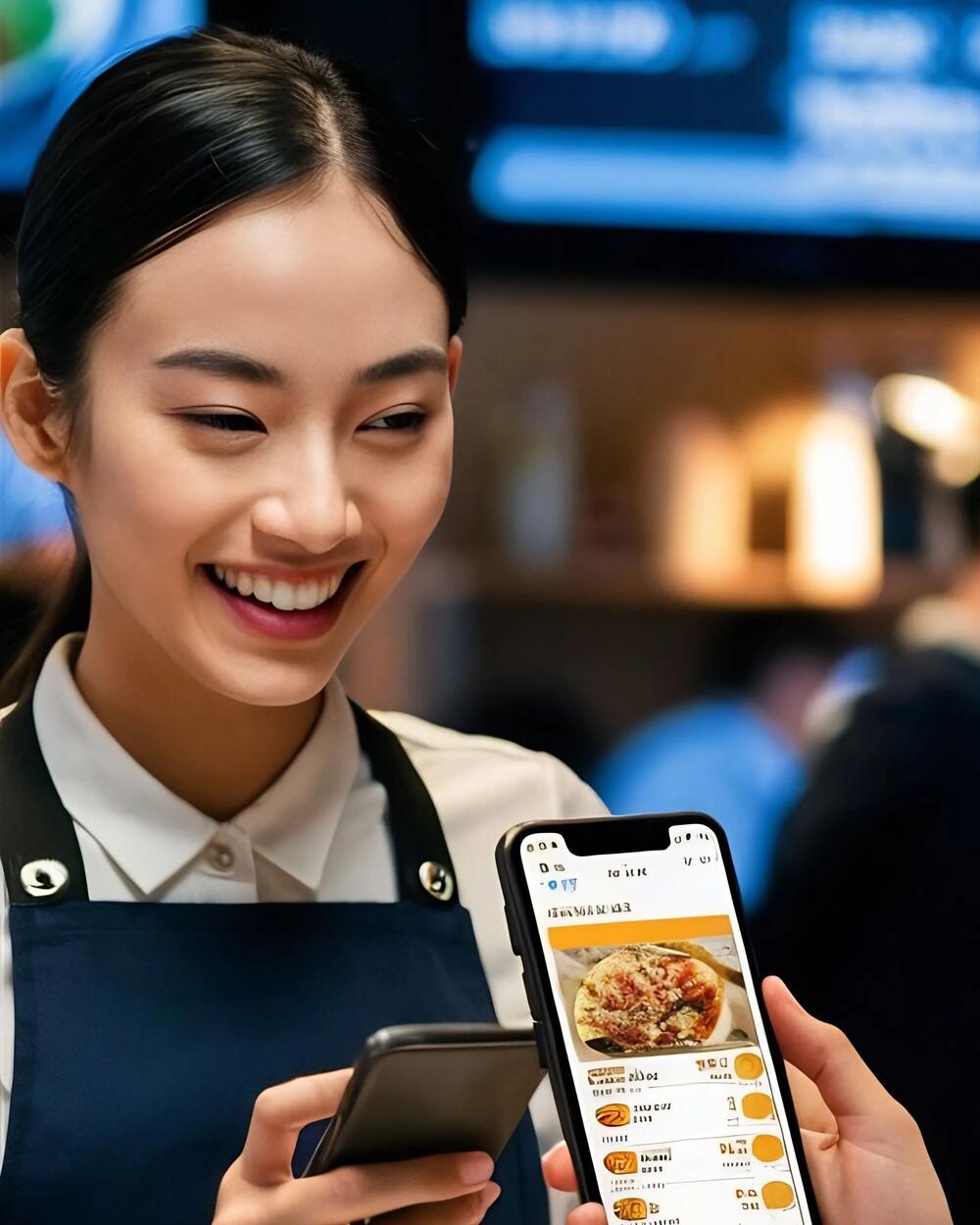
They read the menu and send the order
The menu opens in Vietnamese, and visitors can switch to English. The guest taps a dish, checks the order and sends it.
-
The kitchen gets the ticket
It arrives with the table number. Pick-up orders wait in their own lane until they’re ready.
How orders reach your kitchen, and how pick-up works, are drafts we’ll confirm with you. To confirm
How you get started To confirm
Three steps, and your tables can order. Selling pick-up adds one more.
-
We set up a QR code for each table
So you always know which table an order is from.
-
You add your menu and prices
Change a dish or a price whenever you like. Switch off what has sold out.
-
Tickets reach your kitchen
On a screen or a printer, with the table number on top.
Order ahead, collect at the counter
Guests pick a time, and the order waits in its own lane so the kitchen can time it. To confirm
What you get
- A QR code for every table. Each code opens your menu with the table number already on it. To confirm
- Orders sent to your kitchen. Every ticket shows the table number, so nothing gets mixed up. To confirm
- A menu you can change any time. Change a dish or a price, or hide one that has sold out, and guests see it at once. To confirm
- Your menu in other languages. For visitors, next to Vietnamese. To confirm
- Pick-up orders. Ready at the time the guest chose. To confirm
Also from Savyu: Giaodoan.vn delivery and Order on Google. Ask us how they work. To confirm
Questions about QR ordering
Still deciding? Call 028 3622 3580 or chat on Zalo.
Do guests need to install an app?
No. They scan the code with their phone camera. To confirm
How do guests pay?
By card, e-wallet or cash. To confirm
Is this the same QR as the waitlist?
No. The waitlist QR lets walk-ins join the queue and comes with table booking. This one is for ordering food.
How does pick-up work?
The guest orders ahead on their phone and picks a time. You see the order in its own lane, and the guest collects it at the counter. To confirm
More from Savyu, around your bookings
- Table bookingGuests book online, and every booking lands in one list.
- Instagram & Facebook bookingGuests book from your Instagram and Facebook.
- SEO & AI searchHelp guests find you on Google and in AI answers.
- Google reviewsInvite every guest who came to review you on Google.
- Newsletter & Zalo OASend past guests offers and news by Zalo OA and email.
Let guests order the moment they sit down.
Start free, or call us first. We’ll tell you the price before you start.